WiFi 6 or WiFi 7: How to Actually Decide Which Router Is Worth Your Money Right Now

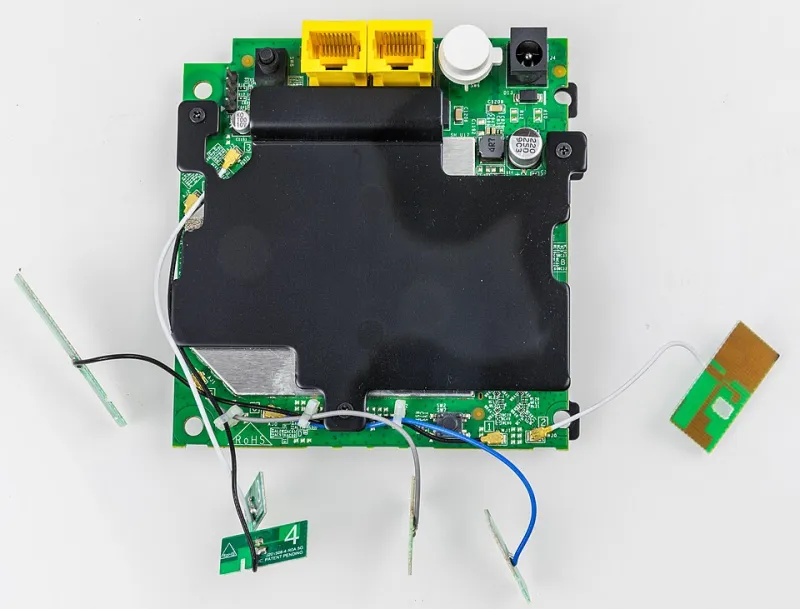
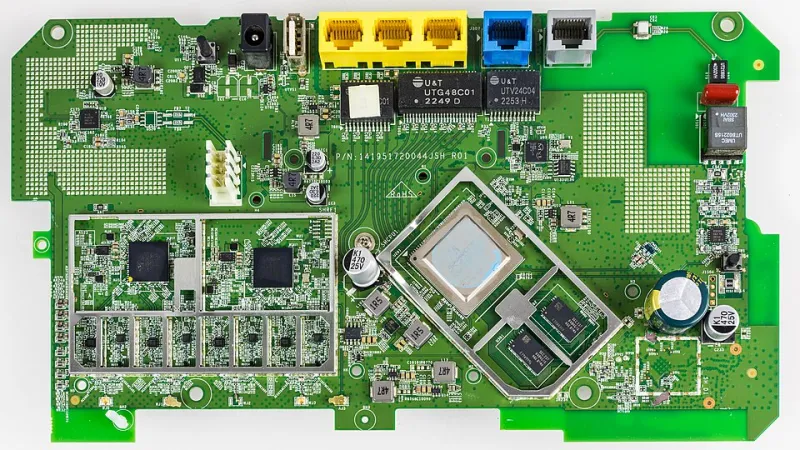
Photo: wifi router comparison modern home office technology upgrade, via www.diysmarthomehub.com
Every few years, the router industry gets a shiny new standard to market, and suddenly every tech headline makes you feel like your current setup is ancient history. WiFi 7 is the latest chapter in that story — and if you've been anywhere near a Best Buy or Amazon recently, you've probably seen routers boasting "WiFi 7" stamped on the box with a price tag that makes you do a double take.
So here's the real question: is WiFi 7 actually a meaningful upgrade for your home, or is WiFi 6 still more than good enough for most people?
Let's cut through the spec sheet noise and get to what actually matters.
A Quick Refresher on Where We Are
WiFi 6 (technically IEEE 802.11ax) rolled out around 2019 and became the mainstream standard over the following few years. It brought meaningful improvements over WiFi 5 — better performance in crowded environments, improved efficiency with multiple devices, and a bump in theoretical speeds. WiFi 6E followed shortly after, adding access to the 6 GHz frequency band, which offered faster speeds and less interference in areas with lots of competing networks.
WiFi 7 (802.11be) is the newest generation, officially ratified in early 2024 and now showing up in consumer products. It builds on WiFi 6E's foundation and introduces some genuinely impressive technical upgrades — but as with any new standard, the real-world story is more nuanced than the spec sheets suggest.
What WiFi 7 Actually Brings to the Table
Let's start with the headline number: WiFi 7 supports theoretical maximum speeds of up to 46 Gbps. That's an enormous figure, and it's also almost entirely irrelevant to your day-to-day life. Theoretical maximums in wireless networking are a bit like the top speed of a sports car — technically impressive, practically unachievable under real conditions.
What's more interesting are the architectural changes under the hood.
Multi-Link Operation (MLO) is the standout feature of WiFi 7. Previous WiFi generations could only use one frequency band at a time per device. MLO allows a device to simultaneously connect across multiple bands — say, 2.4 GHz, 5 GHz, and 6 GHz all at once. The router can dynamically shift traffic between bands in real time, reducing latency and improving reliability. For activities that are sensitive to lag — video calls, gaming, live streaming — this is a genuinely useful advancement.
320 MHz channel width doubles the channel size available in WiFi 6E, which translates to faster data throughput when conditions are ideal. In practice, you'll need to be operating in a relatively uncongested 6 GHz environment to see consistent benefits here.
4K-QAM improves how much data can be packed into each transmission, offering roughly a 20% speed boost over WiFi 6E's 1024-QAM under optimal conditions.
Put it all together and WiFi 7 is a legitimately better standard — particularly for low-latency applications and homes with a high density of devices. The question is whether that improvement is worth the current price premium.
The Case for Sticking with WiFi 6
Here's the honest truth about WiFi 6: for the vast majority of US households, it's still overkill.
The average home internet plan in the US runs somewhere between 200 Mbps and 1 Gbps. WiFi 6 routers can handle multi-gigabit throughput with ease — meaning the bottleneck in your home is almost certainly your ISP's connection speed, not your router's wireless capability. Upgrading to WiFi 7 won't make your 500 Mbps internet plan any faster.
WiFi 6 also handles multi-device environments well, thanks to OFDMA and MU-MIMO technologies that allow efficient simultaneous communication with multiple clients. If you bought a decent WiFi 6 router in the last two or three years, it's likely still performing exactly as it should.
Perhaps most importantly, most of the devices in your home — phones, laptops, tablets, smart TVs — are WiFi 6 or WiFi 6E compatible at best. WiFi 7 client devices are just beginning to hit the market. Without WiFi 7-capable devices to connect to your new router, you won't see most of the benefits anyway. A WiFi 7 router is backward compatible, so your existing gadgets will still work — they just won't take advantage of the new features.
So Who Should Actually Upgrade to WiFi 7 Right Now?
There are real scenarios where buying a WiFi 7 router today makes sense.
If you're building or renovating and doing a complete home network overhaul — including new devices — it's worth investing in WiFi 7 infrastructure now rather than replacing it in two years. Similarly, if you're a remote worker or content creator who depends on rock-solid, low-latency connectivity for video production, live streaming, or large file transfers, the MLO capabilities of WiFi 7 offer tangible benefits.
Heavy gamers who are already running a multi-gig fiber connection (like those offered by AT&T Fiber or Google Fiber in select US markets) may also notice real improvements, particularly in latency reduction during peak usage.
Finally, if you're buying a new high-end laptop or phone in 2024 or 2025, there's a reasonable chance it'll come with a WiFi 7 chip — in which case a WiFi 7 router will let you actually use what you're paying for.
The Waiting Game: Does It Pay Off?
If none of the above describes you, waiting has real merit. WiFi 7 router prices are currently steep — flagship models from ASUS, TP-Link, and Netgear are running anywhere from $300 to over $600 at launch. As with every wireless standard before it, prices will fall significantly within 12 to 24 months as competition increases and manufacturing scales up.
The device ecosystem also needs time to mature. WiFi 7's most compelling feature — Multi-Link Operation — only works when both the router and the client device support it. Right now, MLO-capable devices are a small fraction of the market. By 2026, that picture will look very different.
The Bottom Line
WiFi 7 is a real step forward, and it will eventually become the standard that makes WiFi 6 feel dated — just like WiFi 6 did to WiFi 5. But "eventually" isn't the same as "right now."
For most households running a solid WiFi 6 or WiFi 6E setup, there's no urgent reason to upgrade today. Your network is your power, and right now, that power is probably still doing everything you need it to do.
If your router is aging, you're planning a major home tech refresh, or you're genuinely pushing the limits of your current setup, WiFi 7 is worth considering — just shop carefully and make sure you're not paying a premium for specs your devices can't even use yet.