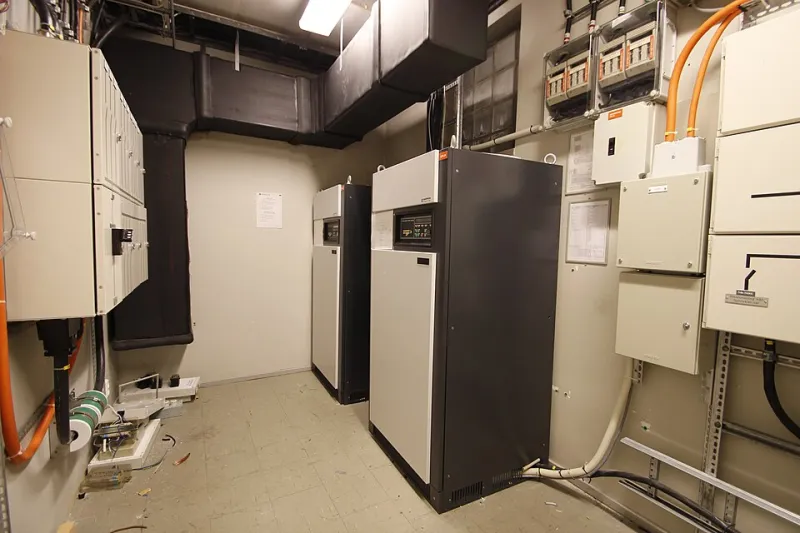
When the Internet Dies, So Does Your 'Smart' Home — Unless You Bought Smart
Photo: Raimond Spekking, CC BY-SA 4.0, via Wikimedia Commons
There's a special kind of comedy in standing in your own kitchen, phone in hand, staring at a light switch that won't turn on because someone's fiber line got cut eight miles away. The switch works. The bulb works. The WiFi is what's broken — and suddenly your $400 smart home is a house full of very expensive, very confused paperweights.
If you've lived through a multi-day outage — and after the last few years of storms, ice, and infrastructure meltdowns, most of us have — you know the pattern. Here's what it reveals, and how to shop smarter next time.
Five Moments That Expose the Problem
1. The thermostat that forgot what temperature means. Plenty of popular smart thermostats keep basic heating and cooling running offline, but the fancy stuff — schedules, remote sensors, geofencing — goes dark. Some older models got even weirder, refusing to respond until they reconnected. The lesson: a thermostat's first job is being a thermostat.
2. The doorbell that's just a doorbell. During an outage, your video doorbell stops streaming, stops recording to the cloud, and stops sending alerts. Depending on the model, the chime might still work — which means your "security camera" degrades into a doorbell from 1985 the second your router hiccups.
3. The lock that locks you out of your own house. This is the scary one. Keyless smart locks that depend entirely on cloud connectivity can leave you fumbling for the physical key you haven't carried since 2021. If a lock doesn't have a keypad, a key cylinder, or offline Bluetooth access, it's a liability wearing a security badge.
4. The lights that went full amnesia. Bulbs on cloud-dependent platforms can lose all their schedules and scenes during an outage. Some come back fine. Some come back at 2 a.m. at full brightness because their schedule server was unreachable. Ask anyone who's been blinded at midnight by a rogue smart bulb.
5. The hub that wasn't actually a hub. Plenty of "smart home hubs" are just bridges to a company's cloud. If the manufacturer's servers go down — whether from an outage on your end or theirs — every device behind that hub goes stupid simultaneously. This has happened to entire product lines, and it will happen again.
The Buyer's Framework: Local First, Cloud Optional
Here's the test we use before recommending any smart device: pull the internet cable out. What still works?
Specifically, look for:
- Local control. Devices that respond to commands over your home network without phoning a server. Protocols like Zigbee, Z-Wave, and Matter with local hubs are your friends here.
- Physical fallbacks. A keyway on the lock. A manual toggle on the switch. A battery backup on the hub. Redundancy isn't sexy; it's just smart.
- On-device automation. Schedules and triggers stored on the device or a local hub, not in somebody's data center.
- A company with an offline mode — and a track record. Check forums and reviews for the words "outage" and "bricked." If a product's community is full of outage horror stories, believe them.
A Two-Minute Audit of Your Current Setup
Unplug your modem for ten minutes (tell the household first — seriously). Then walk around and note what still responds, what's frozen, and what's throwing errors. That list is your smart home's true dependency map.
For the failures, you've got options: add a local hub, replace the worst offenders with offline-capable versions, or simply accept that some devices are fair-weather friends. A battery-backed UPS for your modem, router, and hub costs under $75 and turns a two-second power flicker from a network-wide meltdown into a non-event.
Your home should serve you, not the other way around. The best smart home isn't the one with the most features — it's the one that keeps being a home when the internet takes the day off.