Four Bars of Nothing: Building a WiFi System That Survives Life on the Road
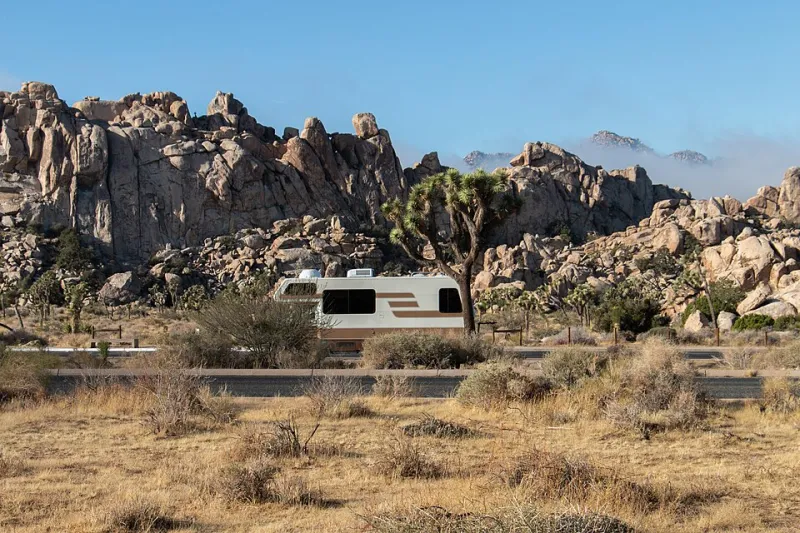
Photo: Joshua Tree National Park, Public domain, via Wikimedia Commons
Ask a full-time RVer what their home network looks like and you'll get a laugh. There is no "home network." There's a rolling pile of radios, hotspots, antennas, and prayers that reassembles itself in a new location every few days — a KOA outside Nashville one night, a Walmart parking lot in Amarillo the next.
If you're joining the remote-work-on-the-road wave, here's the mindset shift that separates people who Zoom happily from the Grand Tetons from people who drive to a Starbucks parking lot in frustration: stop shopping for a device and start designing a system.
Layer One: The Cellular Backbone
On the road, cellular isn't a backup — it's your actual internet. Which means the single most important decision isn't a router at all. It's carriers.
The roads have taught the vanlife community a hard truth: no single carrier covers America. Verizon might own the mountain West, AT&T might carry the Gulf Coast, and T-Mobile might be the only thing alive in a stretch of Nebraska. Serious travelers run two carriers minimum, ideally three — usually as separate hotspot devices or a cellular router with switchable SIMs.
A few realities to plan around:
- Hotspot plans have data caps that matter. Read the fine print on "unlimited" — the deprioritization thresholds are where the pain lives.
- Carrier routers with external antenna ports are worth the money. A roof-mounted MIMO antenna can turn two bars of unusable into four bars of smooth video calls.
- Cell signal boosters help marginally. They amplify what's already there — they don't create signal from nothing. Great for edge-of-coverage campsites; useless in a true dead zone.
Layer Two: The In-Vehicle Network
Once the internet arrives via cellular, you still need to distribute it. A small travel router is the unsung hero here: it gives every device in the rig one consistent WiFi network no matter what's feeding it — hotspot, campground, even a phone in a pinch.
That consistency matters more than speed. When your laptop, phone, and work VPN all remember the same network, reconnecting after a 400-mile drive takes seconds instead of a troubleshooting session.
Layer Three: The Campground WiFi Reality Check
Let's be honest about campground WiFi: it's usually a few consumer routers bolted to a lodge wall, serving 80 sites through a forest of pine trees. It's fine for checking email. It is not fine for a video call, and it never will be.
Treat it as a bonus, never a plan. If a park advertises "WiFi at every site," translate that to "WiFi-shaped disappointment at every site." Experienced road warriors pay for connectivity they control and let the campground's network handle the weather forecast.
The System in Practice
A battle-tested road setup looks like this:
- Two carrier hotspots (or a dual-SIM cellular router) with antennas on the roof.
- A travel router broadcasting one network name inside the rig.
- A booster for those beautiful, signal-starved boondocking spots.
- A power plan — because none of this works when the batteries die. Solar, a decent inverter, and knowing your daily watt-hour budget are part of the network, like it or not.
- A offline backup — downloaded maps, shows, and work files for the nights the system meets a canyon.
Test Before You Commit
Before booking a week somewhere remote, check coverage maps from all your carriers for that exact location — not the general area, the actual campground. Apps that crowdsource real-world signal reports beat the carriers' own maps every time. And keep a list of fallback towns with good coffee and strong bars.
Your home has wheels now. Your network should be built for that — flexible, redundant, and ready to move when you are.