Trapped Behind Your Landlord's Router? How to Actually Get Decent WiFi in a Rental
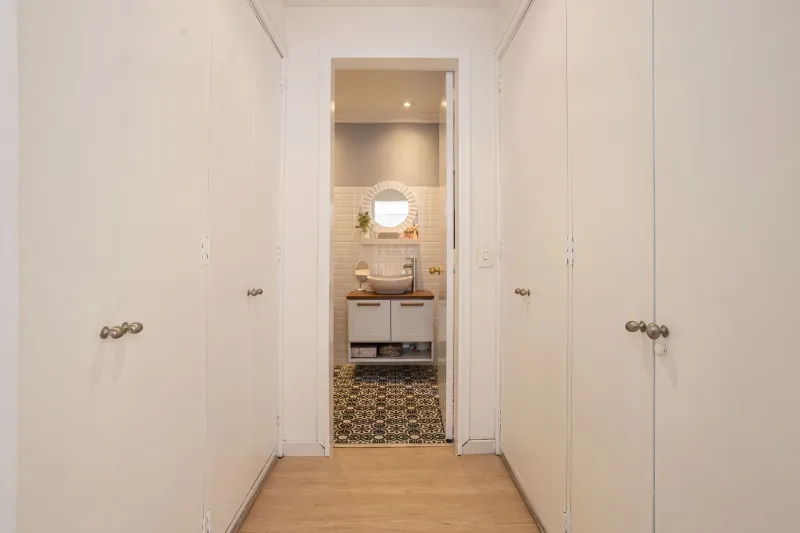
Sign the lease, get the keys, and there it is: a dusty router zip-tied to a shelf in the hallway closet, blinking like it hasn't been thought about since the Obama administration. If you rent, you've probably met this beast. No admin password, no idea who else is connected, and a signal that dies the moment you walk into the bedroom.
The good news? You have more options than you think — even without a single screwdriver touching the wall.
First, Figure Out What You're Actually Dealing With
Landlord-supplied internet setups come in a few flavors, and each one needs a different game plan:
- A router you can access. Sometimes the password is on a sticker, or the landlord will happily hand over the admin credentials. Check for a default SSID and password printed on the unit itself.
- A locked router shared with other units. Common in duplexes and converted houses. Everyone shares one network, one bandwidth pool, and one questionable password from 2014.
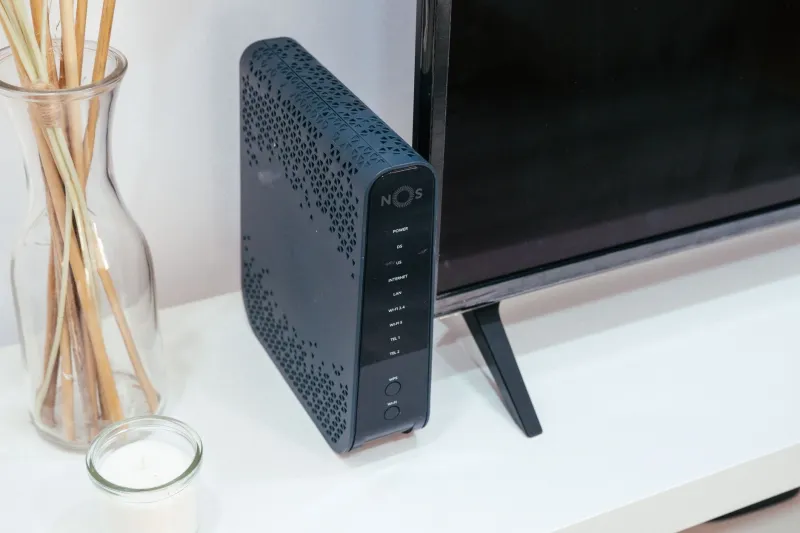
- A modem/router combo owned by the ISP, in the landlord's name. You can't touch it, but you might be able to negotiate.
- Hardwired units with wall jacks in each room. Congrats — you might have Ethernet runs you didn't know about. Test every jack with a laptop before assuming you need wireless heroics.
Before you buy anything, spend ten minutes mapping what exists. It'll save you real money.
The Negotiation Nobody Has: Asking for Admin Access
Most renters never ask, which is a shame, because plenty of landlords genuinely don't care who holds the router password. A short, friendly message works wonders:
"Hey, I'm settling in and want to make sure my devices are set up securely. Would it be possible to get the router admin login, or could we update the WiFi password?"
Frame it around security, not speed. A landlord who's heard "your router is slow" may tune you out; "strangers can see our network traffic" tends to get a reply. If they're receptive, offer to handle firmware updates yourself — one less thing on their plate.
If they say no, or they're three time zones away and unreachable, move to plan B.
Building Your Own Network Without Touching a Screw
Here's the move most renters don't know about: you can create your own private WiFi network that rides on top of the landlord's connection, without rewiring anything.
Option 1: The Router-in-a-Box Setup
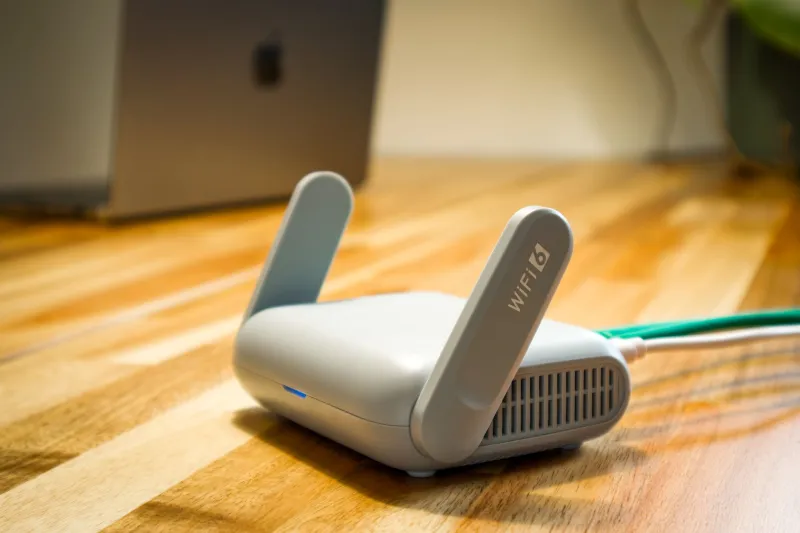
Plug your own router into an Ethernet wall jack (if you have one) or into the landlord's equipment with a short cable. Set your router to Access Point mode or put it in its own subnet so it doesn't fight with the existing gear. You now control your own SSID, your own password, your own device list. Total cost: one decent router, no lease violations, fully reversible when you move out.
Option 2: Powerline Adapters
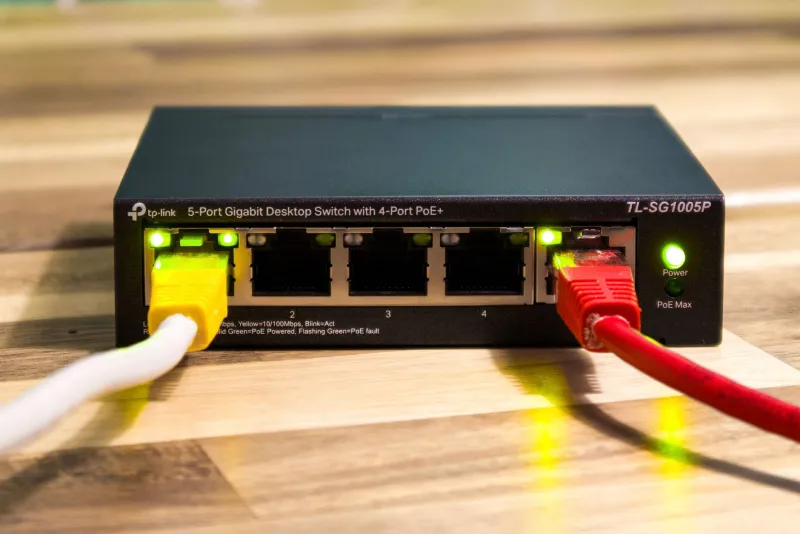
No Ethernet jacks? Powerline kits (TP-Link, Netgear, and others make them for $50–80) push your network signal through the electrical wiring in your walls. Plug one adapter near the router, plug the other wherever you need it, and you've got a wired-quality connection without drilling anything. Performance varies with older wiring — a 1970s building may be a coin flip — but it's the single best trick for renters in concrete-heavy apartments where WiFi simply won't penetrate.
Option 3: A Small Mesh System in Client Mode
If your unit is a dead zone and you can't get near the landlord's hardware, a two-node mesh system placed in client/repeater-friendly spots can blanket your space with a signal you control. Just be aware: repeating a weak signal gives you a weak signal. This works best when you at least have a decent connection point somewhere in the unit to start from.
What NOT to Do
A few renter mistakes that end badly:
- Don't factory reset the landlord's router. You'll kick out other tenants and possibly the landlord's own systems. That's a "why is my security deposit short" conversation waiting to happen.
- Don't run long Ethernet cables through doorways and hallways. Landlords can cite trip hazards and lease terms. Flat cable runners along baseboards with adhesive mounts are a gray zone — ask first.
- Don't assume you can't get your own internet. In most US rentals, you're entitled to sign up for your own ISP service if the building supports it. If the landlord's included internet is genuinely unusable, a standalone plan in your name might cost less than a year of frustration.
Renter-Friendly Rules of Thumb
- Everything reversible. Adhesive mounts, no drilling, no permanent cable runs.
- Everything portable. Your router, mesh nodes, and powerline kits move with you to the next place.
- Document what you change. A quick photo of your setup before you move out saves deposit disputes.
- Prioritize your heaviest use. If you work from home, aim your strongest connection at the desk — streaming in the living room can tolerate more than your Zoom call can.
Take Your Signal Into Your Own Hands
Renting doesn't mean settling for whatever hardware came bolted to the wall. Whether you talk your landlord into handing over the admin login or quietly build your own network with a powerline kit and a $60 router, the goal is the same: a connection you control, secured with a password you chose, tuned for the way you actually live.
Your lease governs the apartment. It doesn't have to govern your WiFi.