Spent $300 on a New Router and Still Have Terrible WiFi? Here's Why

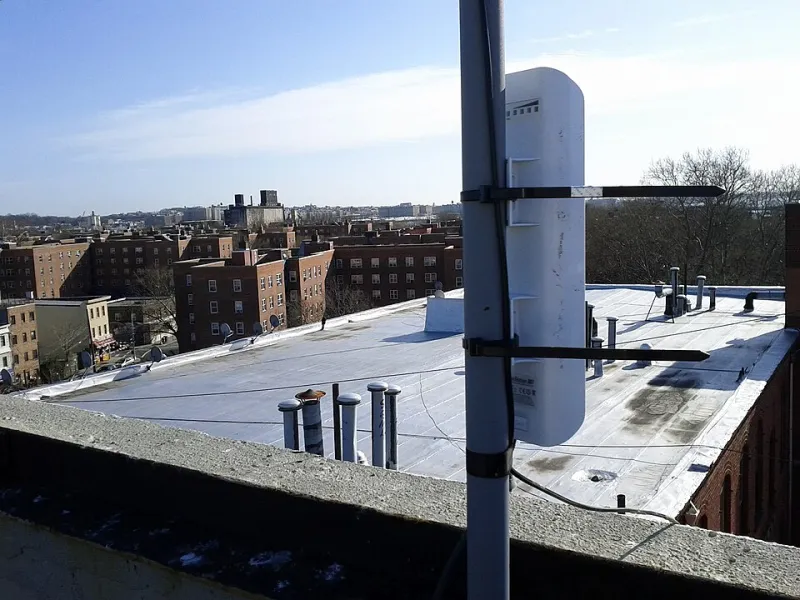
Photo: Jan Vašek, CC0, via Wikimedia Commons
There's a certain kind of hope that comes with unboxing a brand-new router. You've read the reviews, compared the specs, maybe even watched a YouTube teardown. You plug it in, connect your devices, and wait for the internet to finally feel like it should. Then... nothing changes. The buffering is still there. The dead zones are still dead. The frustration is back within 48 hours.
You're not alone. This is one of the most common stories we hear from readers, and it almost always comes down to the same uncomfortable truth: the router wasn't the problem in the first place.
The Upgrade Instinct Is Understandable — But Often Wrong
When something stops working, replacing it feels productive. It's tangible. You can point to the new hardware and say "I fixed it." The router industry knows this, which is why marketing leans hard into words like "blazing fast," "whole-home coverage," and "next-gen performance." What those ads don't mention is that your router is just one link in a chain — and if the other links are broken, no router on earth is going to save you.
Before your next upgrade purchase, it's worth spending an hour actually diagnosing what's wrong. Nine times out of ten, the issue is something a new router won't touch.
Your ISP Might Be Capping You Before the Signal Even Leaves the Modem
Here's something a lot of people don't think about: your router doesn't create your internet speed. It distributes the speed your ISP delivers to your home. If that incoming connection is throttled, congested, or just slower than what you're paying for, a faster router is essentially a high-performance car stuck in a traffic jam.
Run a wired speed test — plug your laptop directly into your modem with an ethernet cable and check your speeds at fast.com or speedtest.net. If the numbers are already low before your router is even in the picture, call your ISP. You may be dealing with line issues, outdated modem firmware, or a plan that doesn't deliver what was promised. No router upgrade fixes any of that.
Interference Is Invisible, and It's Everywhere
WiFi signals are radio waves, and your home is full of things that disrupt them — thick concrete walls, older appliances, neighboring networks, even baby monitors and cordless phones. If your previous router was struggling with interference, your new one is fighting the same battle in the same environment.
The 2.4 GHz band, which offers longer range, is notoriously crowded in dense neighborhoods and apartment buildings. If you're in a city or a suburb with close neighbors, you might be competing with dozens of networks on overlapping channels. Switching to the 5 GHz band (or 6 GHz if you have WiFi 6E or WiFi 7) can make a real difference — but only if your new router is actually configured to prioritize it, and only if your devices are close enough to take advantage of it.
Before assuming your old router was the problem, it's worth downloading a free WiFi analyzer app (like WiFi Analyzer on Android or NetSpot on Mac/PC) to see what channels are congested in your area. Sometimes a simple channel change on your existing router would have solved the problem for free.
A Factory Reset Could Have Fixed It
Routers accumulate junk over time. Old device connections, corrupted settings, outdated firmware, and cache buildup can all cause performance to degrade slowly — so slowly that you don't notice until one day it just feels terrible. Many people interpret this as the router dying, when really it just needs a reset and a fresh configuration.
A factory reset wipes your router back to its default state. Pair that with a firmware update (most modern routers do this automatically, but check anyway) and a proper reconfiguration, and you'd be surprised how often an "old" router comes back to life. If you skipped this step before buying a replacement, there's a real chance you spent money you didn't need to.
Placement Hasn't Changed — So the Dead Zones Haven't Either
This one stings a little, but it's worth saying: if you put your new router in the same spot as your old one, you're going to get the same coverage map. Physics doesn't care about brand names.
Routers broadcast signal in all directions, but walls, floors, furniture, and appliances all absorb and reflect that signal in different ways. A router tucked in a corner of your basement, hidden behind a TV stand, or shoved inside a cabinet is fighting an uphill battle no matter how many antennas it has.
The single most impactful thing you can do — before spending a dime — is move your router to a central, elevated location with clear line-of-sight to the areas you use most. If your home is large or has multiple floors, a mesh system might actually be worth the investment, but only after you've optimized placement first.
Misconfigured Settings Are Quietly Killing Your Performance
Most people plug in a new router, follow the quick-start guide, and never touch the admin panel again. That's understandable — most of us aren't network engineers. But default settings aren't always optimal settings.
Things worth checking in your router's admin interface:
- QoS (Quality of Service): This lets you prioritize certain types of traffic, like video calls or streaming, over less important activity. If it's disabled or misconfigured, everything gets treated equally — including background app updates that compete with your Zoom call.
- Band steering: Some routers automatically push devices to the best available band. If this is off, your phone might be clinging to a weaker 2.4 GHz connection when a faster 5 GHz signal is available.
- DNS settings: Your ISP's default DNS servers aren't always the fastest. Switching to something like Cloudflare's 1.1.1.1 or Google's 8.8.8.8 can shave meaningful milliseconds off every request.
- Firmware version: Seriously, check this. Manufacturers regularly push updates that fix bugs, patch security vulnerabilities, and improve performance.
So When Is a New Router Worth It?
None of this is to say router upgrades are never justified. If your current hardware is more than five years old, it may genuinely lack the processing power to handle a busy modern home. If you've recently upgraded to a gigabit internet plan and your router's specs max out at 300 Mbps, that's a real bottleneck. And if you're living in a larger home with multiple floors and dead zones that no amount of repositioning can fix, a mesh system is a legitimate solution.
The point isn't that new routers are a scam. It's that they're often purchased as a first resort when they should be a last one. Run the diagnostics. Check your ISP speeds. Optimize placement. Update the firmware. Reset and reconfigure. Do all of that first — and if you're still struggling, then yeah, it might be time for new hardware.
Your signal, your network, your power — but only if you actually know what's draining it.