That Guest Network From 2019? It's Probably Handing Out House Keys Right Now
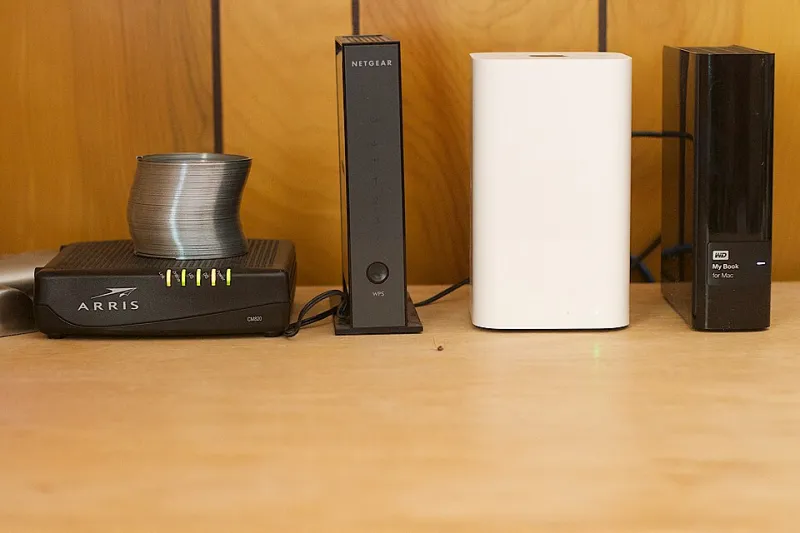
Photo: Alan Levine, CC BY 2.0, via Wikimedia Commons
Remember when you set up your guest network? Maybe it was for the in-laws over Thanksgiving, or the contractor who needed to stream music while painting the living room. You picked a clever password, enabled it, and felt like a responsible network owner.
Then you never thought about it again.
Here's the uncomfortable truth: a neglected guest network isn't a security feature. It's a second front door with a lock you haven't checked in years. And unlike your main network, it was designed from day one to be shared with people you don't fully trust.
Why Stale Guest Networks Go Bad
A guest network doesn't degrade on its own — your situation around it changes. That password you texted to a neighbor in 2021 has probably been forwarded, screenshotted, and saved in someone's notes app. The college roommate who visited twice still has it. The babysitter's phone auto-connects every time she pulls into your driveway.
Meanwhile, the router itself has kept chugging along with whatever settings you chose years ago. Firmware updates may have reset or changed features. If you replaced your router at some point, the new one may have imported the old guest network config — or worse, created a fresh one with a default password.
The result is a network that looks official but hasn't been touched since the Obama administration's second term.
The Five-Minute Audit You Should Run Today
Pull up your router's admin page (usually 192.168.1.1 or 192.168.0.1 in a browser) and check these four things.
1. Is client isolation turned on?
This is the big one. Client (or AP) isolation prevents devices on the guest network from talking to each other — and more importantly, from seeing anything on your main network. If it's off, your nephew's laptop can potentially browse to your network-attached storage, your smart TV, even that security camera feed. On consumer routers this is usually a checkbox labeled "AP Isolation" or "Client Isolation." If you can't find it, your guest network is mostly decorative.
2. Does the password need a refresh?
If you can't remember who has it, assume everyone has it. Generate a new one, and make it something you'd be comfortable texting to a stranger, because functionally that's what's happening. Better yet, many modern routers let you generate a temporary guest password that expires — use that for one-off visits.
3. Who's actually connected right now?
Most router apps show a device list per network. If you see devices you don't recognize on the guest side when nobody's visiting, that password is circulating. Rotate it.
4. Is the guest network even on the right band?
Band steering sounds fancy, but it matters here: some routers let you confine the guest network to the 2.4GHz band only. That's slower, but it also limits range and keeps guests off your 5GHz and 6GHz real estate. For a network meant for casual browsing, that's a perfectly reasonable trade.
When a Guest Network Is Actually Doing Its Job
Done right, a guest network is genuinely valuable. It should:
- Be isolated from your main network (no shared printer, no NAS, no camera access)
- Have a password you rotate at least a couple of times a year
- Contain only devices you'd be okay with a stranger interacting with
- Be turned off entirely during long stretches when nobody visits
That last one is underrated. If you're not expecting company for a month, flip the guest network off. It takes ten seconds and eliminates the entire attack surface.
The IoT Question: Guests or Gadgets?
Here's where a lot of home networks get messy. Plenty of people put their smart speakers, smart plugs, and streaming sticks on the guest network — either because a setup guide told them to or because it seemed like a good quarantine strategy.
It's a defensible idea with a real downside: now your guest network is never empty. Your robot vacuum and your doorbell cam are sitting there 24/7, and any guest password that leaks gives a stranger a foothold next to those devices. If you go this route, isolation is non-negotiable, and you should treat the guest network as a permanent part of your security perimeter rather than a convenience.
If your router supports a third network or VLAN-style segmentation, the better move is a dedicated IoT network separate from both your personal devices and actual human guests.
The Bottom Line
A guest network isn't a fire-and-forget feature. It's a shared space with a lock that needs occasional attention — kind of like a gym locker or a rental car. Spend fifteen minutes in your router settings this week: rotate the password, verify isolation, and glance at the device list. Either you'll come away confident it's doing its job, or you'll catch a problem that's been quietly running for years. Both outcomes beat finding out the hard way.